Use the whole vehicle as the reference
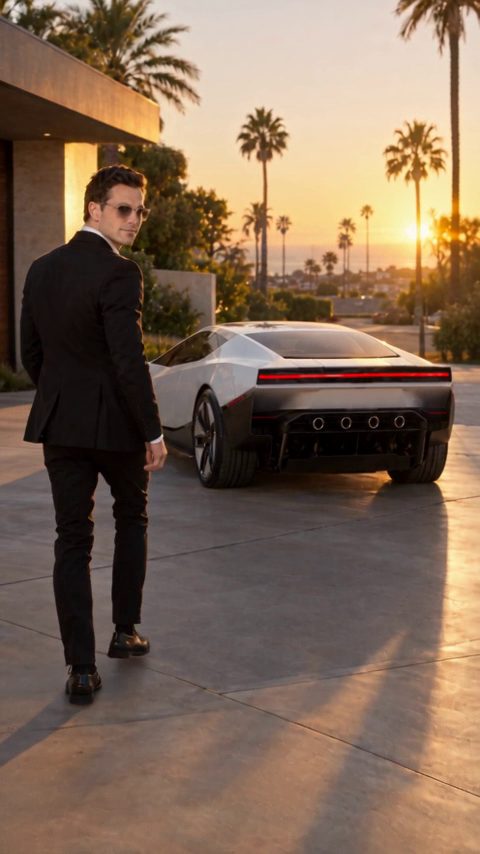
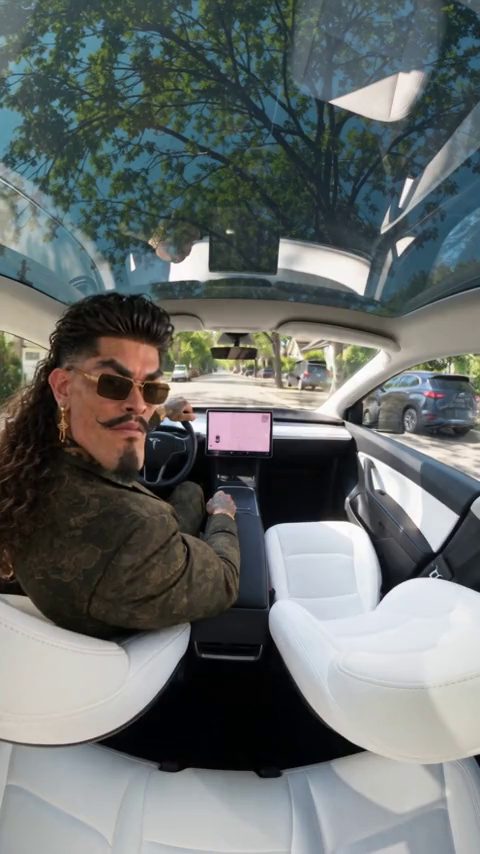
A photo with all four corners of the vehicle visible is more useful than a close-up of a badge. Keep the paint color and wheel design easy to see. Any car or van can be the subject: the Roadster launch scene describes a fictional style of motion, not a requirement to own a Tesla.
Write speed as a visual action
Describe the vehicle starting from rest, smoke moving behind it and a drone tracking along the strip. Avoid demanding a real acceleration measurement from an AI clip. The finished MP4 is a visual effect and cannot substantiate a manufacturer's performance claim.
Choose landscape for the track
The launch preset starts in 16:9 because a wide frame keeps the lane and finish direction readable. You can switch to 9:16 for Shorts or Reels, but make the car larger in the composition and remove unnecessary side details.
Control the length and final edit
A 15-second clip gives room for a start, acceleration and finish. A shorter 5-second version works better as one concentrated launch. The studio offers 720p and 1080p; keep the first attempt at 720p when you are still testing the prompt. Download the MP4 from My videos after it is ready.
The prompt
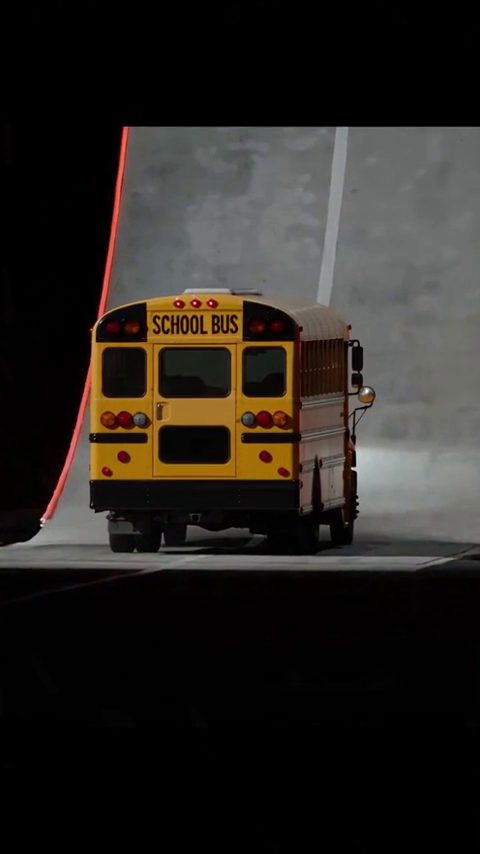
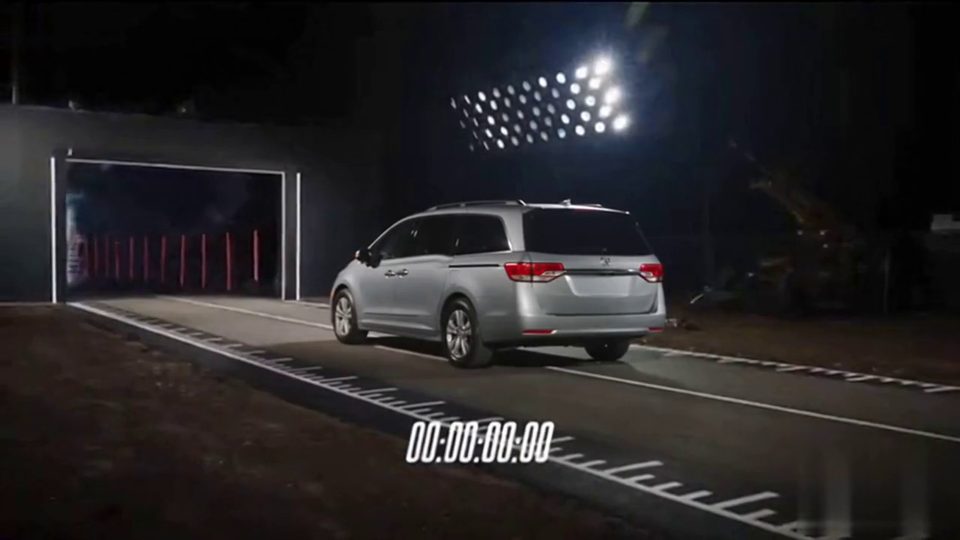
Use Image 1 as the visual reference for the car. Create a fictional drag-strip launch at dusk with stadium lights behind the start line. Open on a low front three-quarter view of the car. Cold-gas thrusters fire with a sharp burst of white vapor, a wall of smoke rolls across the strip and the car launches forward. Cut to a high drone shot chasing it down the strip, then a low side angle as it blasts through the finish line. Keep the body shape, paint and four wheels consistent. Clean footage only: no added titles, subtitles, logos or watermarks.
Roadster AI Video is a creative tool by Uyo. It is not affiliated with or endorsed by Tesla, Inc. or SpaceX. Tesla and Roadster are trademarks of Tesla, Inc. Example clips are fictional AI scenes.