Decide who the story follows
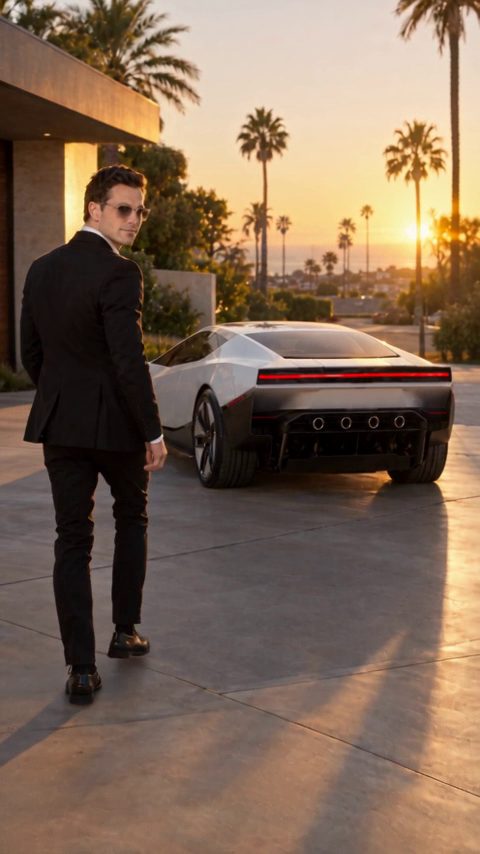
Use a clear front-facing portrait, a complete car photo or a single image of you with the car. Keep the main subject recognizable. A crowded group photo makes it harder for the model to know which person should appear in the cabin or final shot.
Keep the fantasy sequence short
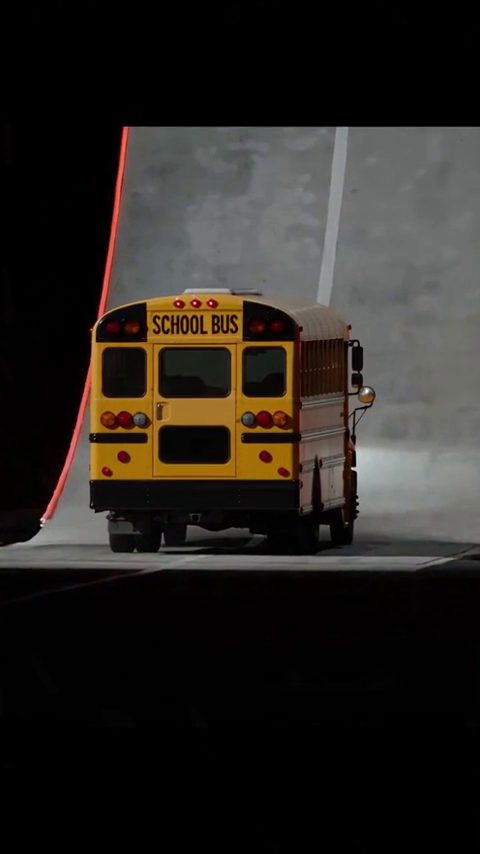
The preset moves from a traffic queue to an upward flight and a moon-like destination. Keep those three beats, and resist adding extra planets, new characters or a change of vehicle. Consistency matters more than the number of effects in a short generated video.
Add a video reference when motion matters
Open Video reference and choose the current scene video, or supply a public HTTPS MP4 or MOV you have permission to reference. The reference guides pacing and camera motion, while your photo remains the identity reference. Keep a custom reference between 2 and 30 seconds.
Share the story as fiction
Choose 15 seconds for the full traffic-to-moon sequence, and 9:16 for a vertical social post. Check the output for face changes and sudden vehicle transformations. Label the clip as AI-generated, use your own caption in the editing app and avoid presenting it as real Tesla footage.
The prompt
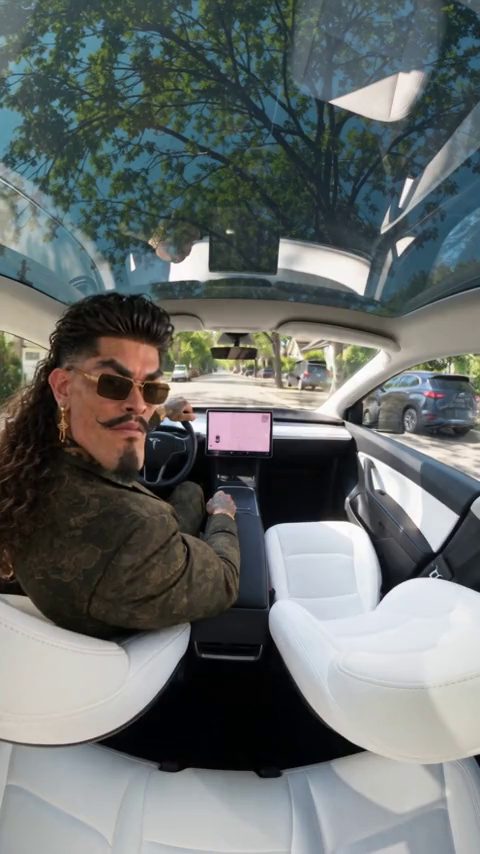
Use Image 1 as the visual reference for the person. Create a fictional story about the first day with a new electric sports roadster. The person glances back at the camera from the driver seat, then the car sits in bumper-to-bumper traffic. The car lifts off out of the jam, climbs through bright clouds alongside other flying cars, and lands gently on the surface of the moon with Earth in the sky. Keep the face consistent. Clean footage only: no added titles, subtitles, logos or watermarks.
Roadster AI Video is a creative tool by Uyo. It is not affiliated with or endorsed by Tesla, Inc. or SpaceX. Tesla and Roadster are trademarks of Tesla, Inc. Example clips are fictional AI scenes.