Choose a photo that survives the rotation
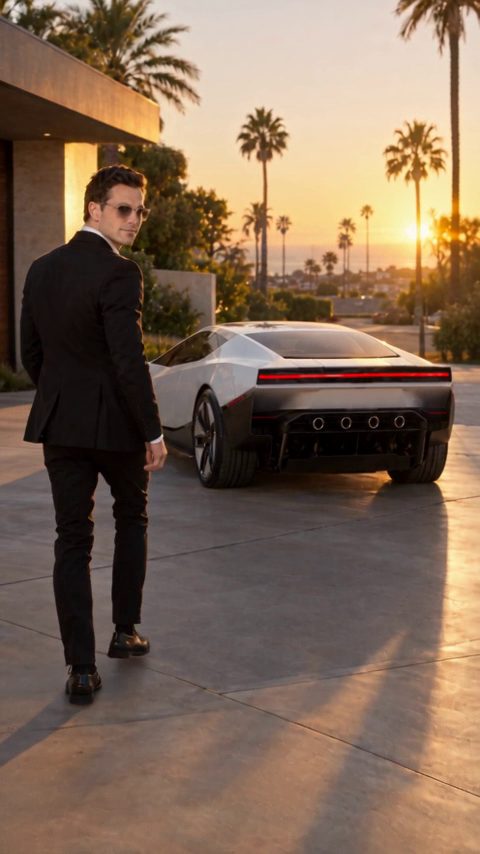
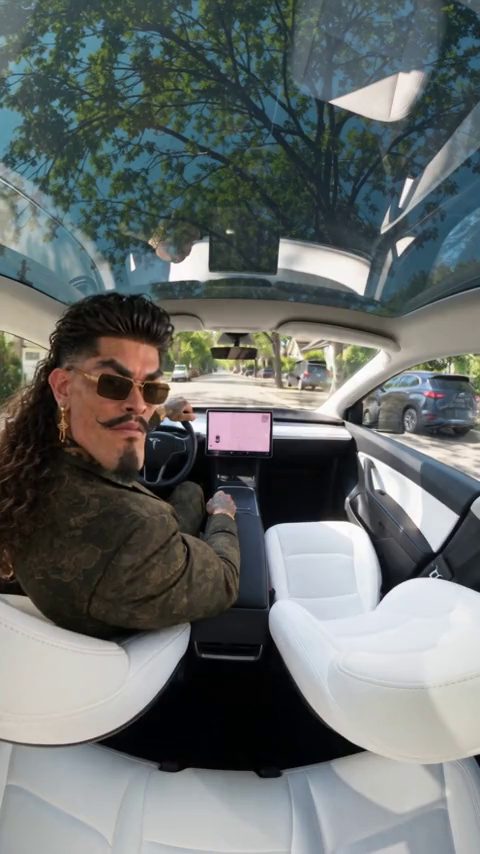
A sharp side or three-quarter photograph gives the model useful information about the roof, wheels and wheelbase. Leave space around the complete vehicle. A tightly cropped bumper or a vehicle hidden behind people gives the model less information for the airborne part of the shot.
Keep the stunt in three readable beats
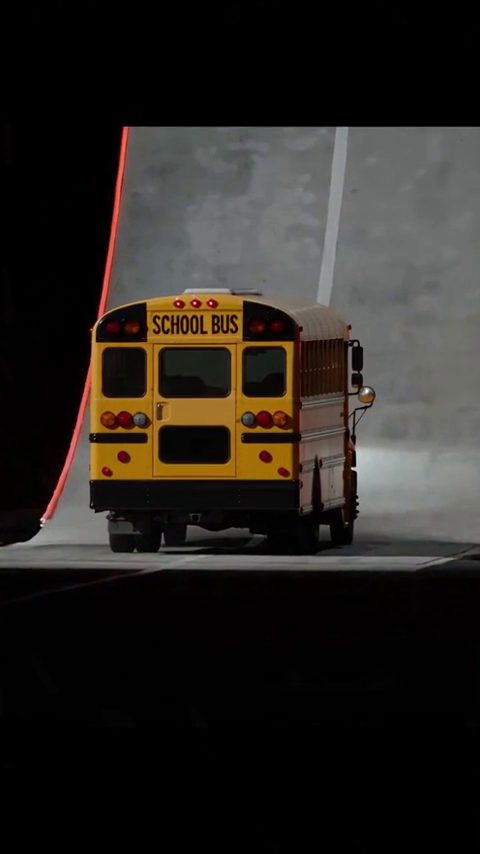
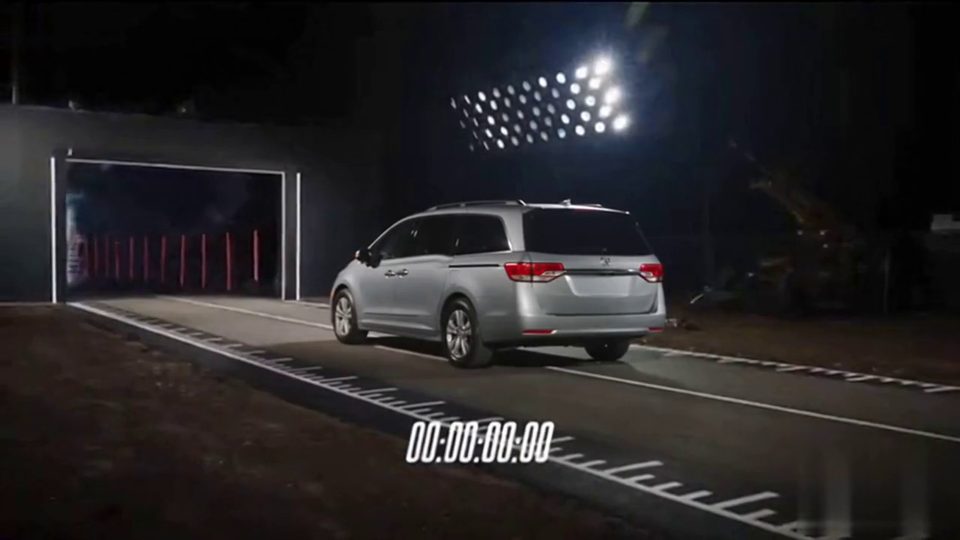
Use the ramp preset as the starting point: climb the curved wall, complete one clean rotation, then land on all four wheels. For a first attempt, avoid adding a second vehicle, an explosion or a rapid camera spin. Each extra action competes with the model's ability to keep the car recognizable.
Set the camera before you generate
A wide side tracking shot keeps the ramp, car and landing visible in the same composition. A short low-angle finish can emphasize the landing. If the car leaves the frame for most of the video, shorten the action rather than asking the camera to chase in several directions.
Pick a practical first generation
The preset recommends a 15-second vertical clip to give the climb and landing room. At 720p this uses 40 credits; 1080p uses 65. You can choose 5 or 10 seconds for a simpler version. Check the cost beside Generate before submitting.
The prompt
Use Image 1 as the visual reference for the car. Create a fictional stunt on a closed test track with a giant curved wall. The car accelerates up the wall until it is upside down at the top, rocket boosters fire, the car completes one clean flip and lands back on all four wheels in a cloud of smoke. Wide side tracking shot, then a slow-motion low angle on the landing. Keep the body shape, paint and wheels consistent through the flip. Clean footage only: no added titles, subtitles, logos or watermarks.
Roadster AI Video is a creative tool by Uyo. It is not affiliated with or endorsed by Tesla, Inc. or SpaceX. Tesla and Roadster are trademarks of Tesla, Inc. Example clips are fictional AI scenes.