Choose a silhouette
Minimal tailoring and avant-garde styling ask for different proportions. Set that direction before adding details.
Build a fashion portrait around tailoring, streetwear, retro styling or a sculptural silhouette. One photo supplies the face; the scene supplies the editorial direction.
Reference media from the linked source, shown to explain the style. These are not results generated by UYO. View source reference ↗
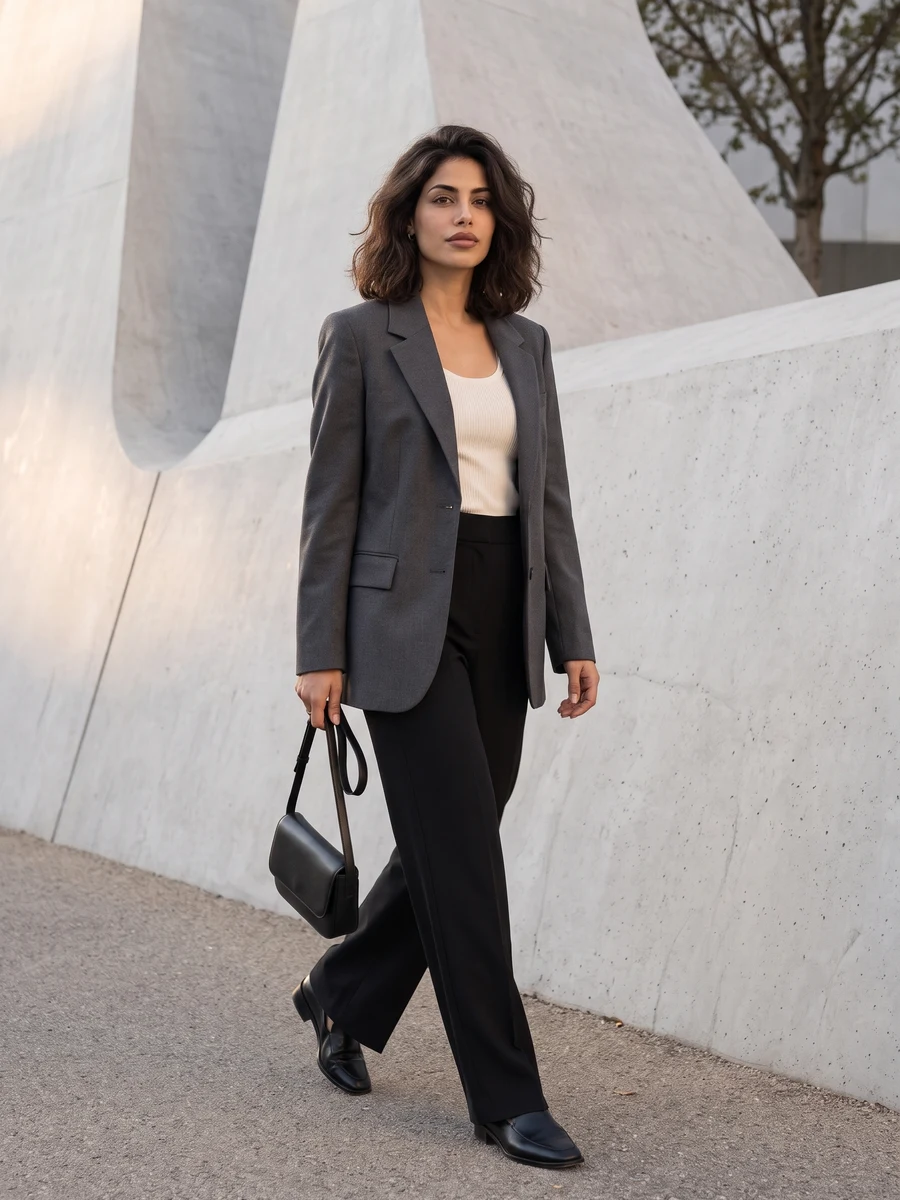 SOURCE REFERENCE
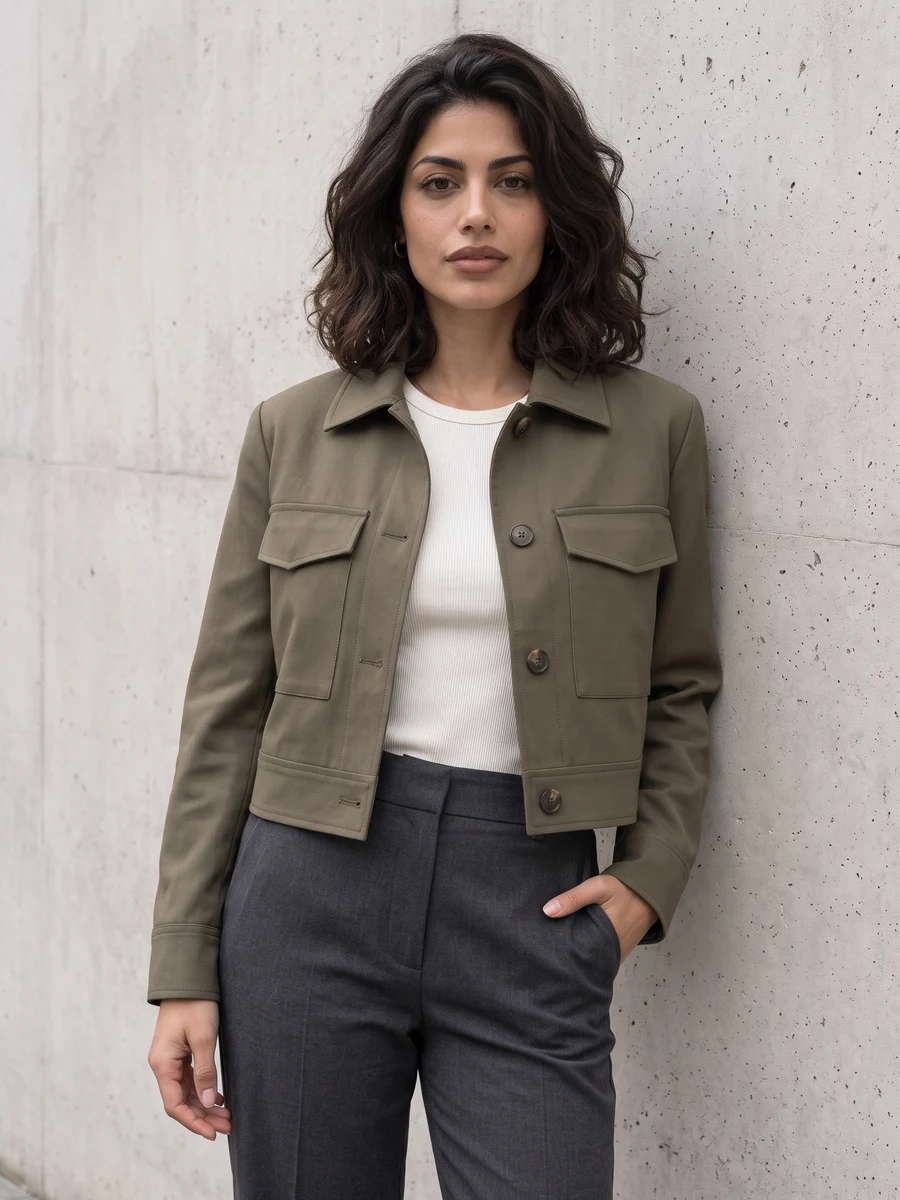 SOURCE REFERENCE
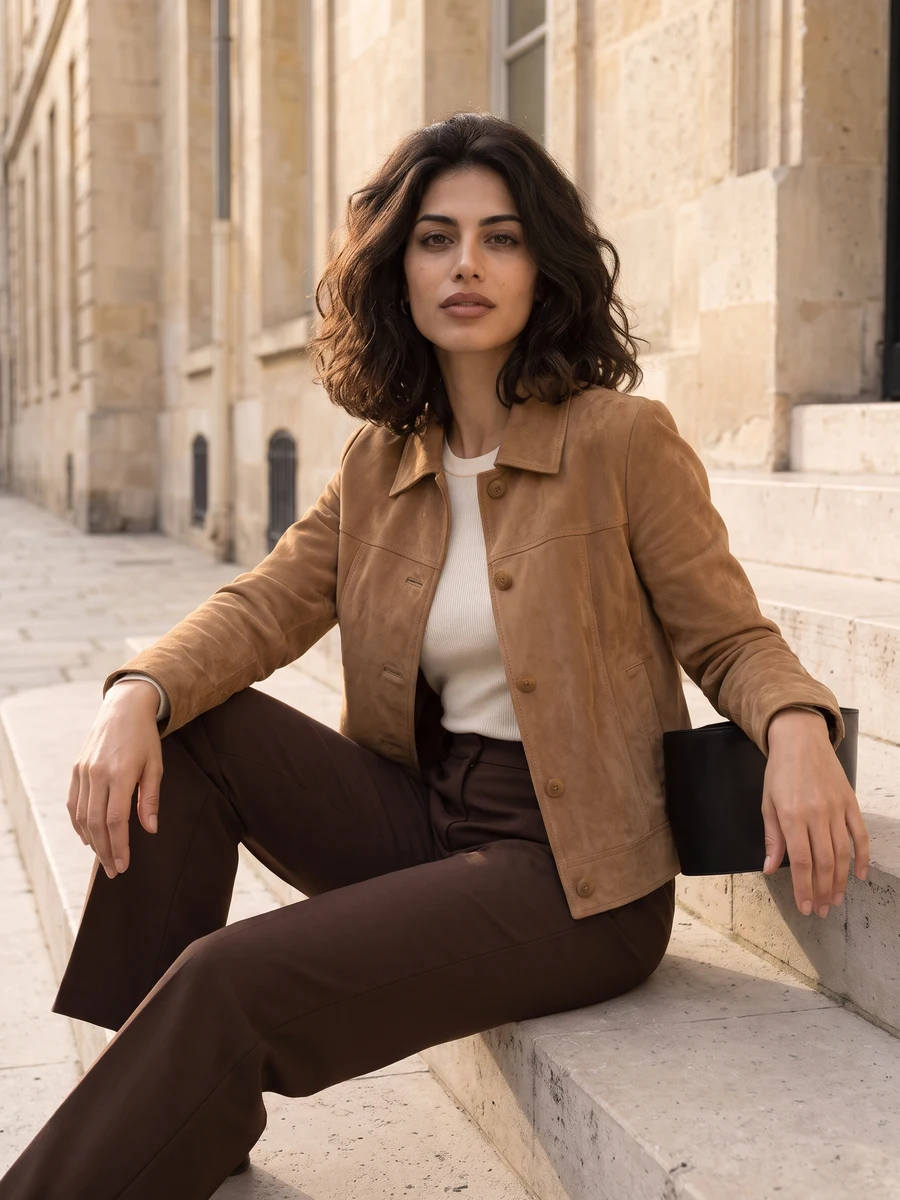 SOURCE REFERENCE
 SOURCE REFERENCE
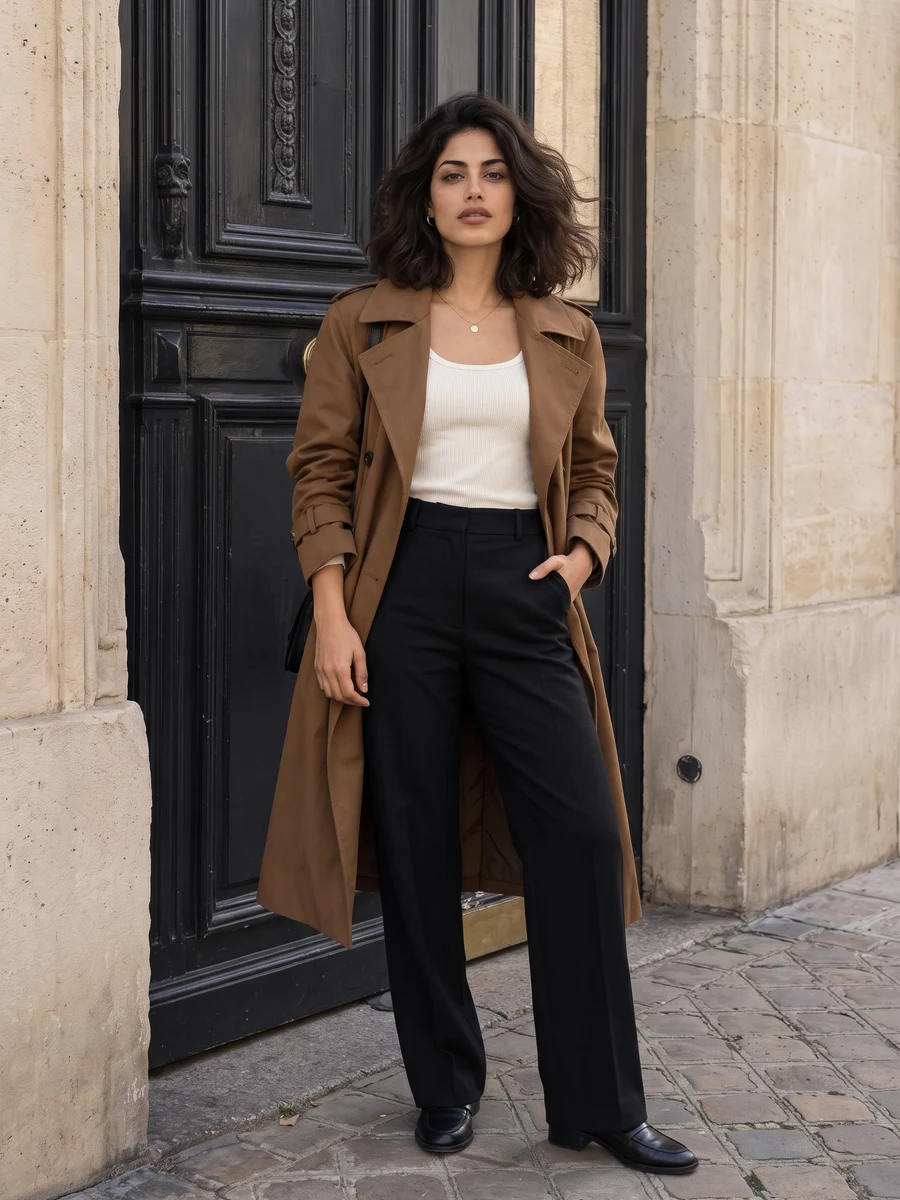 SOURCE REFERENCE
 SOURCE REFERENCE
Think of the result as a fashion concept. The model can reinterpret garments and accessories, so inspect fabric edges and proportions before using it in a portfolio.
Minimal tailoring and avant-garde styling ask for different proportions. Set that direction before adding details.
A color or material is enough to refine the brief. Conflicting outfit instructions make the result harder to assess.
Check garment seams, accessories and hands. The output is an imagined styling, not a product photograph.
Choose the scene, add the required images and confirm that you can use them. Files are previewed locally first.
Set the format and quality, add a focused direction if needed, and check the credit cost. Sign-in does not automatically generate.
Follow the task here or in My creations. Review the result for details that changed, then download a copy.
These tools use the same UYO balance as the rest of your workspace. Choose settings above to see the quote, then view the current plans for purchase terms.
View UYO plansGPT Image 2 · 1K · 1:1
Uses your UYO credits. The final cost is checked before your task starts.
SettingsOne clear adult portrait is enough for the selected scene. This page creates one image per request; it does not train a personal model or produce a guaranteed likeness.
No. It is a generated portrait guided by your references. Review likeness, hands and clothing before using it, and follow the rules of the service where you post it.
These tools use the same UYO balance as the rest of your workspace. Choose settings above to see the quote, then view the current plans for purchase terms.
Selecting a photo only creates a preview on this device. Pressing Create after sign-in sends it for processing. Review UYO’s privacy policy for storage and provider details.
Continue with a related task. Open the next tool and add your saved result or a new reference; each generation has its own credit quote.