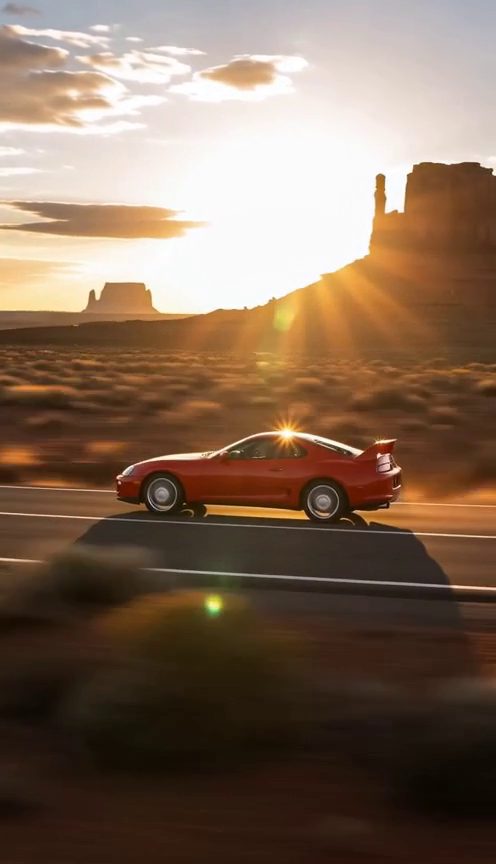
9:16 · 12 s
Roadster Ramp Flip
A curved-wall climb, one airborne flip and a smoke-filled landing.
Pick a scene, add a photo of your car or yourself, and turn it into a fictional Roadster AI video. Ready-to-use prompts, sound and an MP4 you can download.
Explore flying-car stunts and cinematic car scenes. Preview a clip, use its scene or copy the prompt to make it your own.
A curved-wall climb, one airborne flip and a smoke-filled landing.
Launch above a stationary traffic jam with a single controlled camera move.
A suited entrance, a cockpit moment and a thruster-powered departure.
Turn a clear photo of your own car, truck or van into a fictional flying-car stunt.
A white sports car lifts into a night sky through a cloud of vapor.
A street-level view of a Roadster rising above a crowded city avenue.
An orange skyline, a red sports car and a blue-jet highway launch.
Sunny cabin close-ups cut to a car gliding over a California traffic queue.
A fictional closed-highway chase ends with a clean flight over a staged barrier.
An unexpected traffic escape turns into a short flying-car comedy.
A single launch on a closed strip, with rolling smoke and a drone chase.
A first-day fantasy takes your car from a traffic jam through clouds to the moon.
A rainy traffic queue becomes the backdrop for a complete airborne loop.
Put your own car in a commercial, a rolling shot or a toy-to-real reveal.
A cinematic opener, hero details, drone tracking and a final fly-by for your car.
Four chase-car angles create a fast-moving automotive highlight reel.
A relaxed driver stays seated as the car drifts into the golden-hour scene.
A miniature on a desk becomes a life-size car in one visual reveal.
A workshop dyno run combines wheel motion, exhaust and detailed close-ups.
A staged closed intersection becomes a backdrop for controlled drift shots.
ROADSTER AI VIDEO · Uyo
Flying-car scenes are built around a simple visual idea: an ordinary vehicle does something impossible. A familiar car and one clear action make the transformation easy to follow.
Use the scene presets as a starting point. Keep the vehicle's color and proportions consistent, choose your camera move and make a short, clearly fictional clip. This is a creative AI tool from Uyo, independent of Tesla.
One photo and three decisions. Plan the shot before you spend credits.
Start with a ramp flip, traffic escape or cinematic car preset. Every scene has an editable prompt and a preview.
Choose a sharp photo showing the complete vehicle or a front-facing portrait. You can also add a video reference for motion.
Choose 9:16 or 16:9, 5–15 seconds and 720p or 1080p. Your private video is saved to My videos as an MP4.
9:16 / 16:9
Vertical for TikTok, Reels and Shorts. Landscape for YouTube and wider screens.
5–15 s
Generate a 5, 10 or 15-second clip. Longer clips use more credits.
720p / 1080p
720p for quick social posts. 1080p when you want more detail.
15–65
See the exact credit cost for your chosen length and quality before submitting.
MP4
The model creates scene audio. The site adds no logo or watermark.
Auto
Confirmed failed generations return their reserved credits automatically.
Keep the direction simple enough to fit in a short clip.
Show the whole vehicle. A clean background makes its shape easier to preserve.
Pick a launch, a liftoff or a flip. Too many stunts can distort the subject.
Describe a side tracking shot, a slow push-in or a drone chase.
Golden hour, an overcast street or a lit night track: keep the lighting consistent.
Use your Uyo credits here and across the studio. One-time packs, no required subscription.
$9
400 credits
One-time payment · 30 days of credit validity
$49
2,500 credits
One-time payment · 90 days of credit validity
$99
6,000 credits
One-time payment · 365 days of credit validity
The cost is shown before generation. Confirmed failures return their credits automatically.
Choose a car scene, add one clear photo and adjust the prompt if needed. Select the aspect ratio, duration and resolution, confirm your photo permission and generate. The result is a private MP4 in My videos.
Yes. A clear photo of your car, truck or van can guide the subject. Preserve the vehicle description in the prompt and choose a simple action to reduce changes to its shape.
Yes. Use a front-facing portrait or one image of you with your car. Select the real-person option; the photo goes through private material review before it is used for generation. Keep the page open during review.
At 720p, a 5-second clip costs 15 credits, 10 seconds costs 30 and 15 seconds costs 40. At 1080p the costs are 25, 45 and 65 credits. The selected cost is always shown before submission.
No. This tool uses the same credit balance as the Uyo studio. You can buy a one-time credit pack. Pack prices, credit amounts and validity are shown on the pricing page.
Yes. Choose the current scene video or enter a public HTTPS MP4 or MOV link. Seedance 2.5 supports references lasting 2–30 seconds. Use a source you have permission to reference; your photo remains the subject reference.
Choose 9:16 for TikTok, Reels or Shorts, and 16:9 for landscape playback. This integration supports native 720p and 1080p output, with 5, 10 or 15-second clips.
The generation request includes scene audio and asks the model for an MP4 without a watermark. The site does not add a logo. Generated sound and visual details can vary between results.
When a task is confirmed as failed, the reserved credits are returned automatically. A completed video that does not match your creative preference is still a completed generation. Contact support with the task ID if something is wrong.
Generated videos are private to your account and are excluded from the public gallery. A selected photo remains in your browser until you generate, then it is sent to the video provider to fulfill your request. See the privacy policy for details.
Yes. Open the studio in your phone browser, choose a scene and upload from your photo library. My videos keeps the task status and provides the MP4 download after completion.
Yes, subject to your rights in the uploaded material and the platform rules. Clearly identify the clip as AI-generated and fictional. Do not present it as real footage or an official Tesla advertisement.
Practical photo, prompt and posting guides for your next car video.
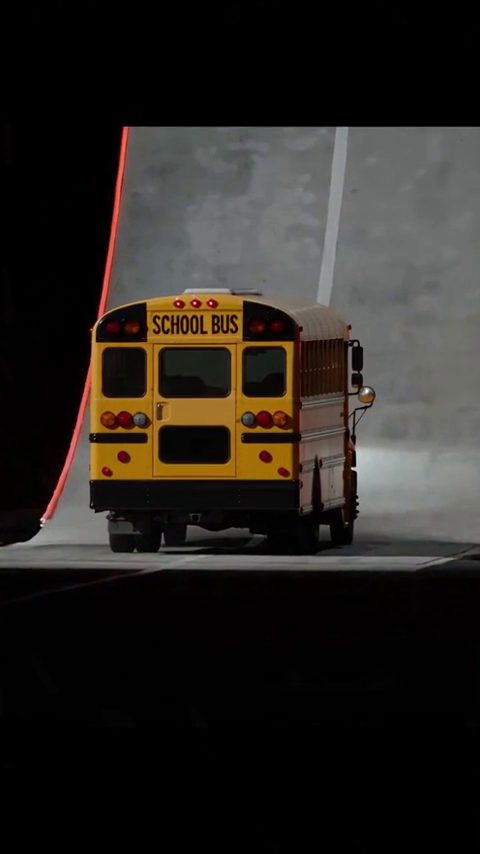
Build a clear curved-wall stunt from one car photo, with a readable flip, consistent vehicle details and a controlled landing.
Read guide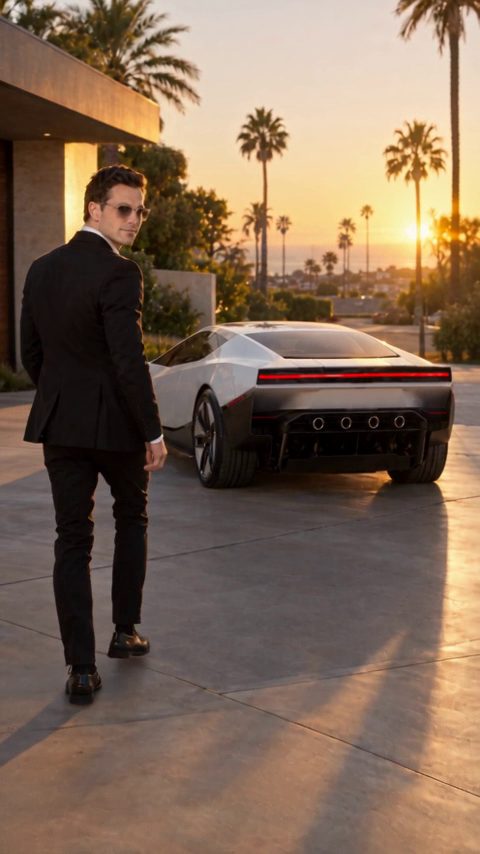
Plan a suited entrance, a car-side moment and a fictional thruster departure using one portrait reference.
Read guide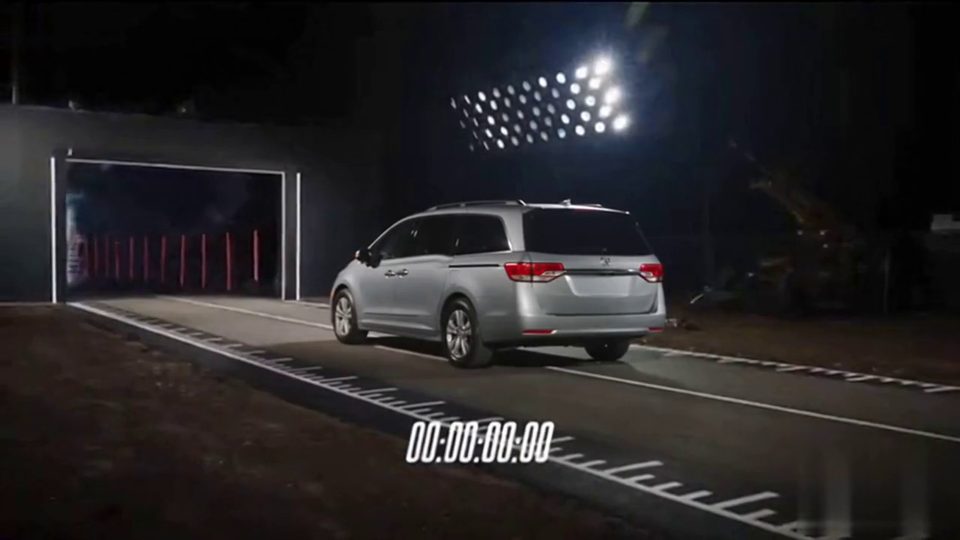
Turn your own vehicle into a fictional launch scene with a closed-track setup, rolling smoke and a simple chase shot.
Read guide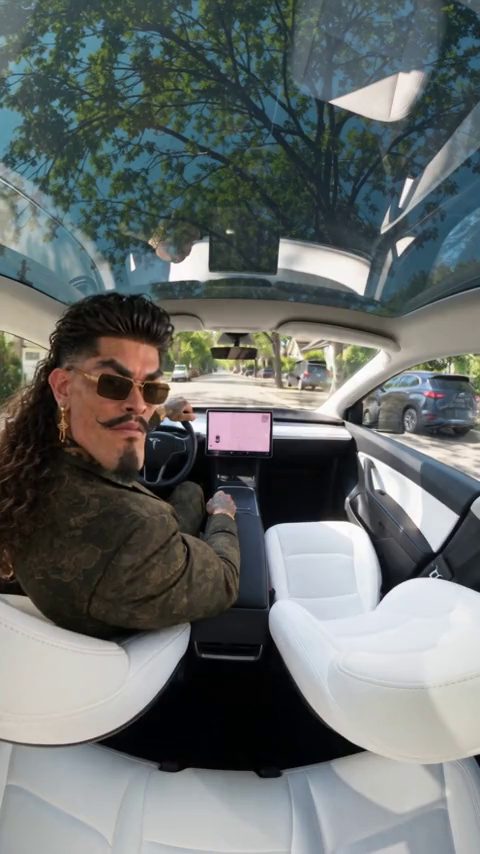
Make a fictional traffic-to-the-moon story with a clear subject, a simple transition and an editable scene prompt.
Read guidePick a scene, add your car and make the road your own.
Create video