A new fictional performance
The prompts describe a new fictional music room and performers. No original concert recording, song file or music licence is included.
Put yourself at the mic, bring a friend for a duet, or cast the whole band. Plan a bookshelf session, create the scene, then decide whether to animate it.
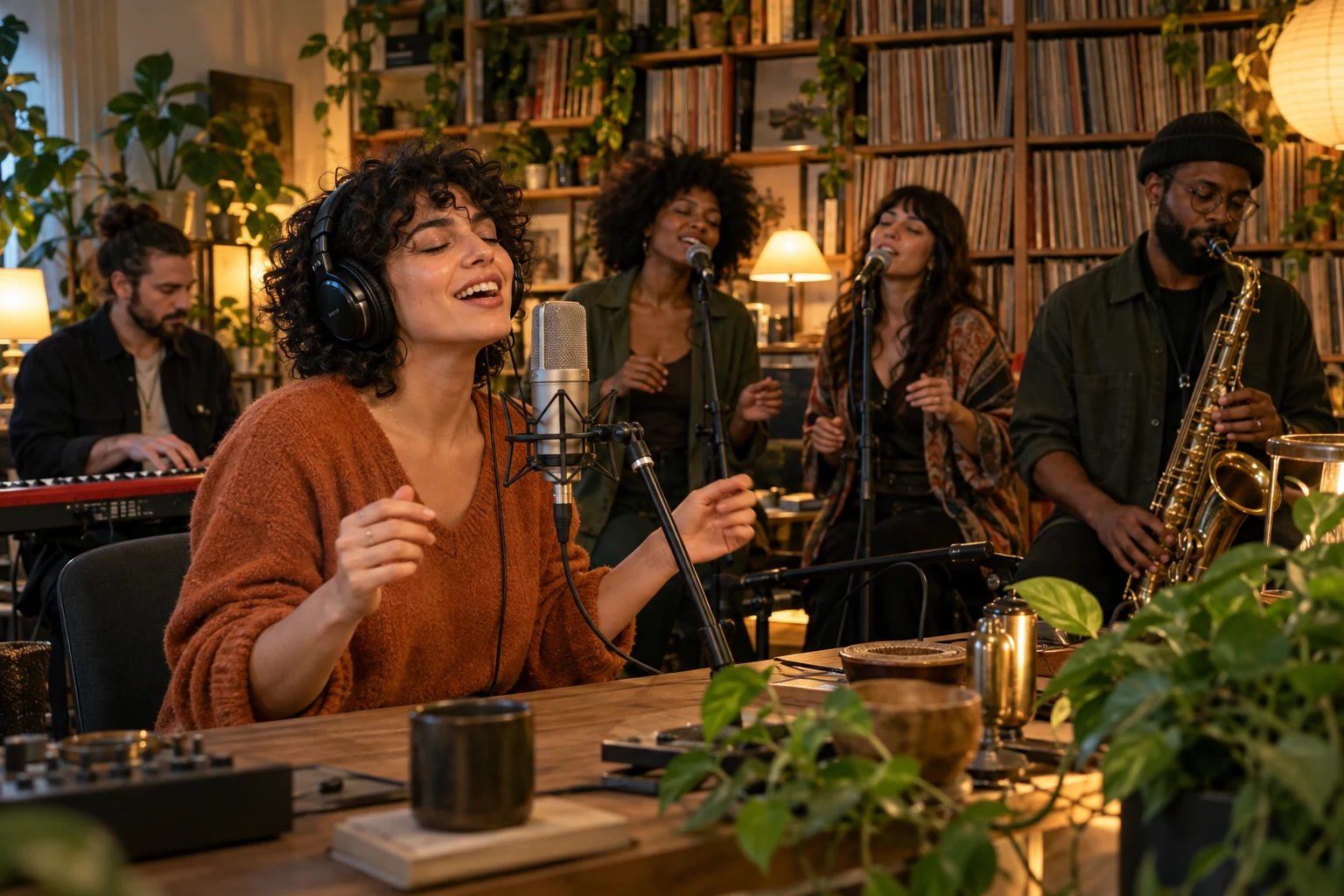 SCENE CONCEPT
Original concept illustration, not a tested photo-to-video result.
Start with your cast. Preview the local plan, then check the newly generated image before requesting motion.
A FEW WAYS TO TAKE THE STAGE
Three original scene illustrations show possible casting directions. Choose one to load its lineup; your uploaded photos will guide a new generation.
THE CASTING CALL
A solo debut needs one portrait. A duet needs two. For a full band, add your lead first and fill only the supporting roles you want to cast.
THE CAMERA PLAN
01A wider view introduces the cast, instruments and lived-in setting.
02A gentle move toward the singer makes the performance feel personal.
03A shared smile or small reaction brings the scene to life.
04A shift toward the instruments gives the rest of the band its moment.
These directions shape the prompt. Short clips may combine or omit moments.
FROM PORTRAIT TO PERFORMANCE
Choose the lineup, then add separate, well-lit adult portraits. In band mode only the lead is required; a duet needs both singers.
Pick the room, outfits and frame. The free storyboard shows roles and shot directions, using only files stored in your browser.
Create the image with Nano Banana 2. Check every face and instrument; a finished request does not guarantee the composition you imagined.
Choose 5 or 10 seconds, review the resolution and credit cost, then request the video separately. Find ongoing tasks in My creations.
SET THE ATMOSPHERE
Three scene directions, from sunlit workspaces to warm late-night corners.
YOUR WORKFLOW, YOUR CHOICE
Use the studio to keep portraits and role assignments in one place. Open the prompt studio when you want to read the exact scene instructions or try them elsewhere.
| What you control | Tiny Desk studio | Write it yourself |
|---|---|---|
| Add your cast | Numbered portraits mapped to musical roles | Prepare your own references and role descriptions |
| Choose the room | Lineup, setting, wardrobe, ratio and video options | Choose your model and describe every detail |
| Your session preview | Review an image, then request a separate video | Manage each generation step in your chosen tool |
KNOW BEFORE YOU CREATE
Local planning uses no credits. Image creation and video animation each use the amount shown below; video cost changes with length and resolution.
Seedance 2.5 · priced by duration and resolution · 5s · 720P
View credit packsThe prompts describe a new fictional music room and performers. No original concert recording, song file or music licence is included.
Check facial resemblance, extra fingers, microphone placement and who is playing each instrument. A successful task status is not a quality guarantee.
Local planning stays in your browser. Choosing image creation sends a combined cast reference for processing through the existing service. See the site privacy policy before uploading.
BEFORE YOUR ENCORE
It helps you direct a fictional desk-concert scene from portrait photos. First you create a still image; then you can request a short video from that image. Both are AI generations, so identity and performance details may vary.
No. It is a free local planning view of your cast and suggested camera beats. It does not upload your photos or synthesize new frames. The separate image and video buttons submit authenticated generation requests and show their credit costs.
Choose a sharp, evenly lit portrait of one adult with the whole face visible. Use JPG, PNG or WebP up to 2 MB per file. Avoid sunglasses, heavy filters and extra faces. Crop a group shot into individual portraits before filling the roles.
Yes, as a creative request: select One-person band. The image prompt assigns the same reference to five performers. Review the still before requesting a video because the model can merge, duplicate or alter faces.
This page has no song upload or lyric-sync control. The sound toggle adds a general original-audio direction to the video prompt. It does not attach the viral recording or guarantee a vocal track, exact lyrics or synchronized lips.
Each image request uses image credits. Each video request uses the currently displayed duration and resolution price. The two requests are confirmed separately, so reviewing an image does not automatically spend video credits. Account packs and refund conditions follow the linked site pages.
Open My creations with the account that submitted it. Leaving this page or stopping status checks does not cancel a task already sent to the provider. If processing is slow, check its status before submitting again.
No. This is an independent AI creation tool. It is not affiliated with, endorsed by or sponsored by NPR or Tiny Desk Concerts. Only upload photos you have permission to use.
THE NEXT SESSION IS YOURS
One portrait is enough to start. Choose a part, pick a room, and make the first frame.
Set up my session