Choose the whole cast
For crew scenes, start with everyone already in one photo. This page does not assemble a group from separate portraits.
Build a Halloween portrait around your own face. Choose a candy scene, a moonlit character or a group adventure, then review the image before sharing.
Reference media from the linked source, shown to explain the style. These are not results generated by UYO. View source reference ↗
 SOURCE REFERENCE
 SOURCE REFERENCE
 SOURCE REFERENCE
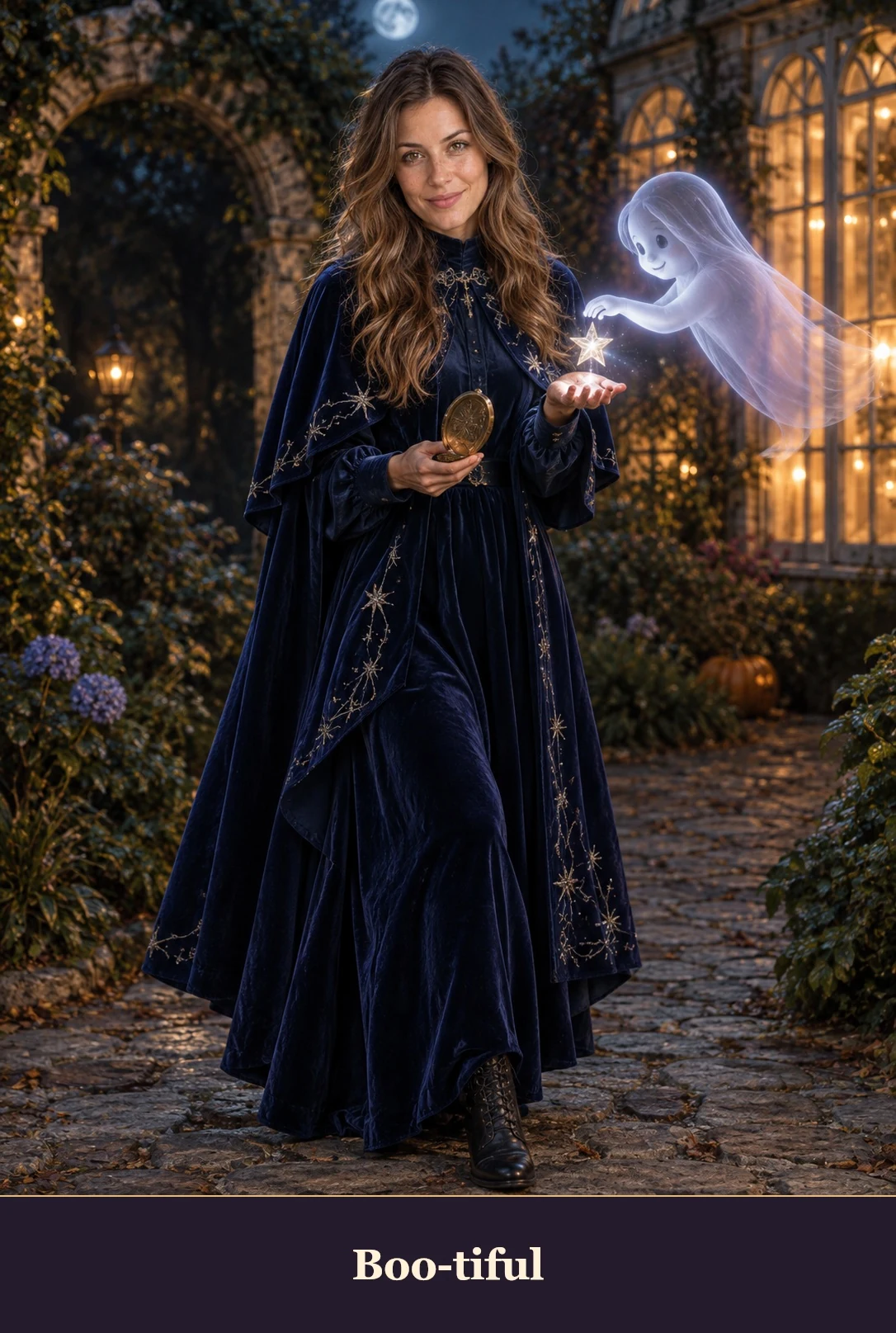 SOURCE REFERENCE
 SOURCE REFERENCE
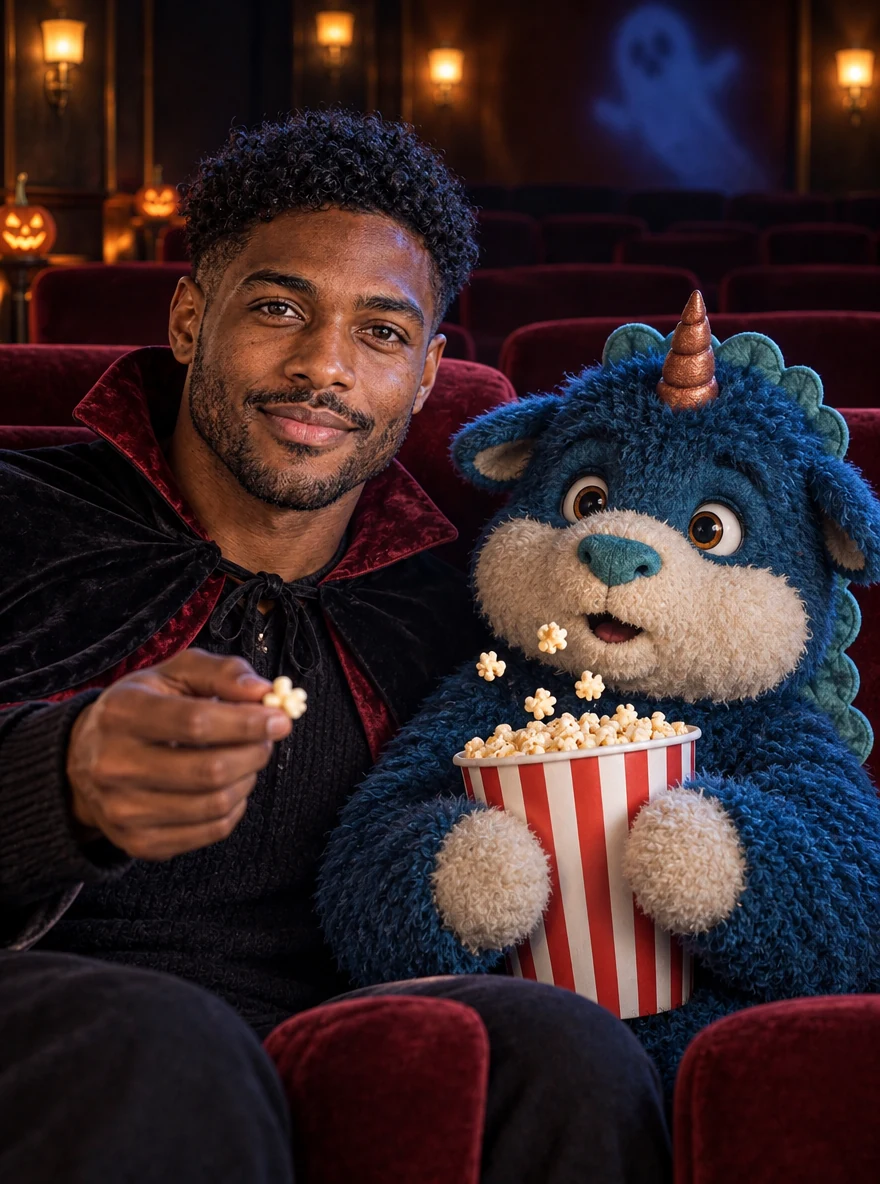 SOURCE REFERENCE
The scene sets the mood; your photo supplies the people. Solo looks work from one portrait, while crew scenes use one existing group photo. Faces and small details can change, so treat every image as an edit to inspect.
For crew scenes, start with everyone already in one photo. This page does not assemble a group from separate portraits.
Choose even light and a clear view of each face. Let the scene add the hat, costume and Halloween setting.
Look for changed eyes, hands and extra people. Add lettering after download if it needs to be exact.
Choose the scene, add the required images and confirm that you can use them. Files are previewed locally first.
Set the format and quality, add a focused direction if needed, and check the credit cost. Sign-in does not automatically generate.
Follow the task here or in My creations. Review the result for details that changed, then download a copy.
These tools use the same UYO balance as the rest of your workspace. Choose settings above to see the quote, then view the current plans for purchase terms.
View UYO plansGPT Image 2 · 1K · 1:1
Uses your UYO credits. The final cost is checked before your task starts.
SettingsYes. Choose either crew scene and upload one existing photo of consenting adults. Keep every face large enough to see.
No. The reference explains the visual direction. Your input, settings and the model affect the new image.
These tools use the same UYO balance as the rest of your workspace. Choose settings above to see the quote, then view the current plans for purchase terms.
Selecting a photo only creates a preview on this device. Pressing Create after sign-in sends it for processing. Review UYO’s privacy policy for storage and provider details.
Continue with a related task. Open the next tool and add your saved result or a new reference; each generation has its own credit quote.